Cave Casualties Clothing and Protection
Choose clothing for the danger ahead: Leather Clothes provide warmth, while heavy Iron Clothes offer stronger protection against hits.
Wear Leather Clothes for warmth and a small increase in toughness. Choose Iron Clothes to greatly reduce hit damage, with the tradeoff of heavy equipment. To equip either on PC, select it in the hotbar, use LMB to put a layer on, and wait for the action to finish.
Warmth and Hit Protection
Choose your clothing around your immediate need:
- Leather Clothes: Wear them for cold conditions. They make you warmer and slightly tougher, so they suit trips where warmth is the priority.
- Iron Clothes: Wear them when protection against hits is the priority. They greatly reduce hit damage, but they are heavy.
Leather Clothes cost less and also serve as rag material.
Clothing Directory
Expand an item for its wearing controls and material relationships.
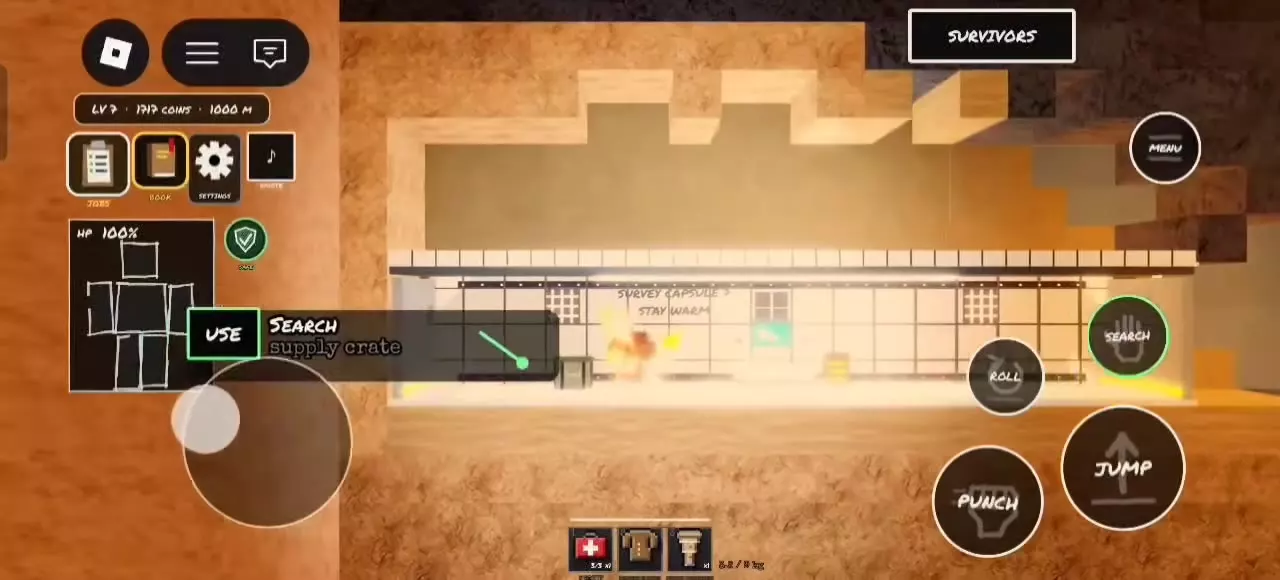
To find Thermal Padding, approach a Supply Crate, use SEARCH, and wait for the search progress to finish.
Compare clothing prices, protection and acquisition routes.
3 objects
|
|
Supply Booth | 187 coins Supply Booth · Supplies | Greatly reduces hit damage While worn |
|---|---|---|---|
|
Heavy protective clothing that greatly reduces damage from hits when worn.
TipsChoose Iron Clothes for stronger protection from hits when the heavy equipment fits your movement needs. |
|||
|
|
Supply Booth; cave loot | 94 coins Supply Booth · Supplies | Slightly tougher While worn |
|
Wearable clothing that makes you warmer and slightly tougher. It can also be torn into rags using a Shard.
TipsWear Leather Clothes for warmth and keep spare clothing for Rag crafting. |
|||
|
|
Supply Crate | — | — |
|
A supply item obtainable by searching Supply Crates.
|
|||
Acquire and Wear a Layer
Buy clothing or find Leather Clothes
Open Supply Booth → Supplies to buy Leather Clothes for 94 coins or Iron Clothes for 187 coins. Purchases enter your stash. At the lift, select the clothing among your departure supplies before descending; you can select up to three items from the stash for a trip.
Leather Clothes also come from cave loot:
- Open Supply Drops and check their contents.
- Search Old Backpacks, then click Leather Clothes when listed to take them.
- Use PICK UP on Leather Clothes lying on the ground.
Equip the clothing
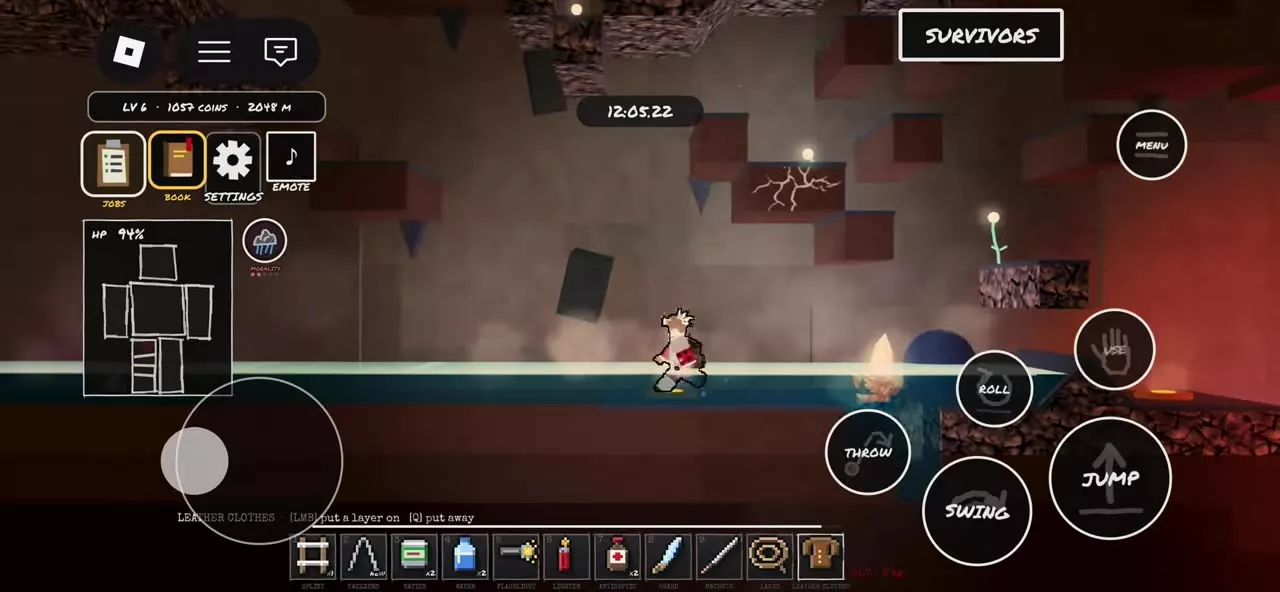
- Select Leather Clothes or Iron Clothes in your hotbar.
- On PC, use LMB — put a layer on.
- Wait for the equipping action to finish. Selecting or holding the item alone does not apply the layer.
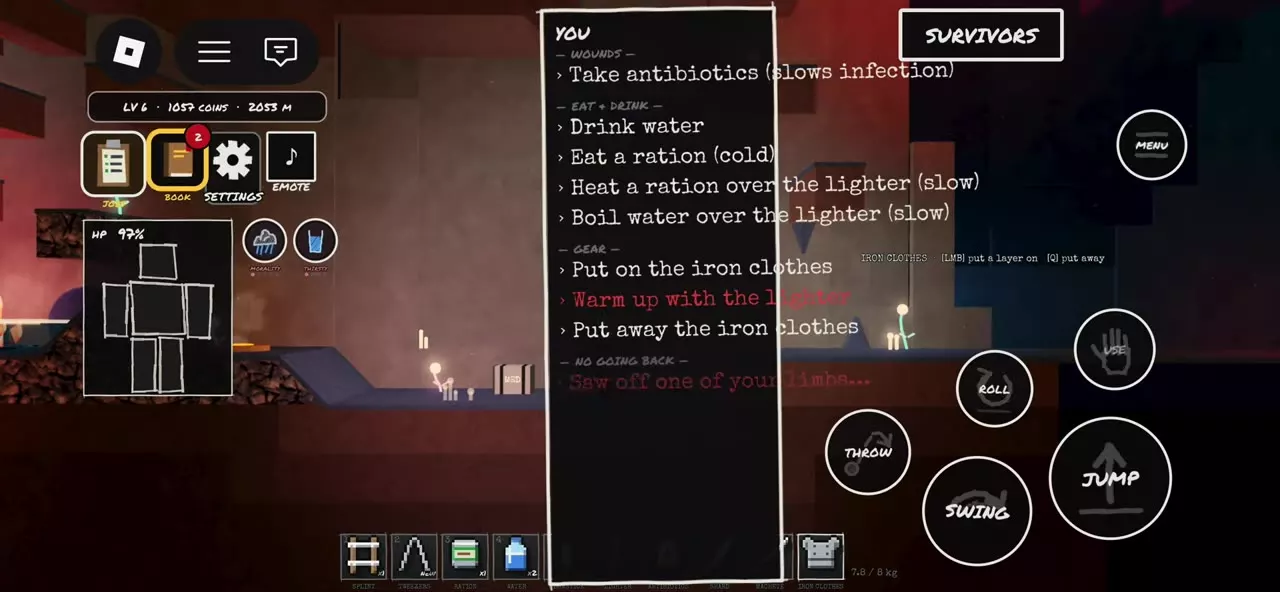
For Iron Clothes, you can also open MENU → YOU and choose Put on the iron clothes under GEAR. After equipping, the Iron Clothes icon leaves the hotbar and gray equipment is added to your character.
Q — put away stows the held item. Use the put-a-layer-on action to wear clothing; Q is a held-item control, not a command to remove a worn layer.
Keep Warm Clothing or Make Rags
Keep Leather Clothes for wearing when you need warmth. Use spare clothing for rags so that crafting does not consume the clothing you intended to wear.
With Leather Clothes and a Shard in your inventory, open MENU → CRAFT and select MAKE beside TEAR CLOTHES INTO RAGS. Wait for the rag to enter your hotbar. The recipe keeps the Shard for further use.
For cleaning recipes and the steps to make a Shard, see crafting recipes and cleaning.

Temperature and Starting Equipment
- Temperature, cold, wetness, and heat: Pair warm clothing with the appropriate response to cold or wet conditions, and learn how to handle hot regions and scalding hazards.
- Starting loadouts for different trips: Choose the other supplies to pack alongside clothing within the three-item departure limit.